Best Graphic Design Software for Beginners (2026 Guide)
From AI integration to cross-platform fluency—discover the must-have technical and soft skills for today’s most in-demand dev roles.

by Satnam Singh
Graphic design has become one of the most valuable digital skills in today’s job market. Whether you want to become a freelance designer, create social media content, launch a business, or start a creative career, choosing the best graphic design software for beginners is your first important step.
The good news? You no longer need years of experience or an expensive workstation to create professional-looking designs. Modern graphic design tools are beginner-friendly, packed with AI-powered features, and available across desktop, web, and mobile platforms.
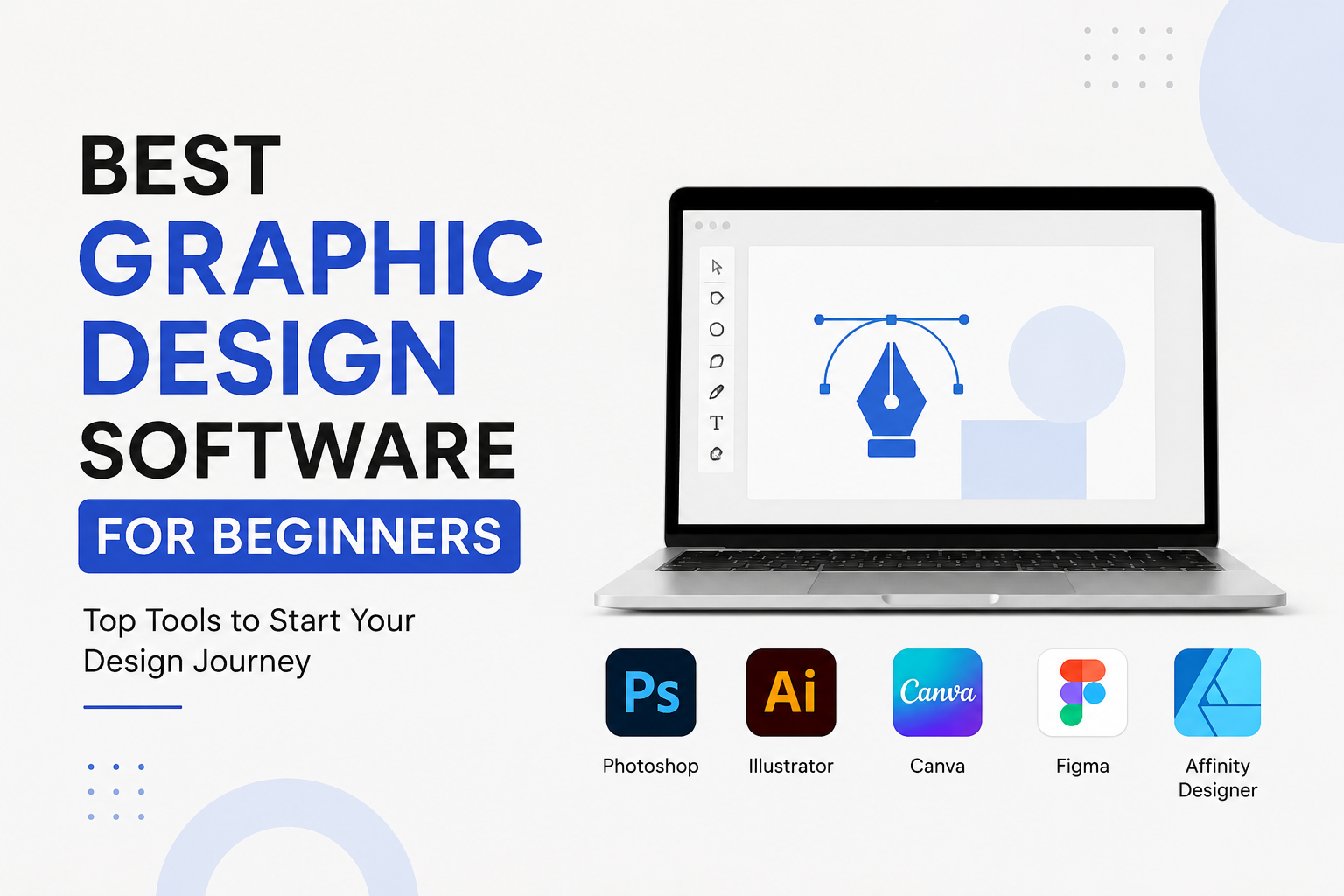
In this guide, we’ll compare the best graphic design tools for beginners, including Adobe Photoshop, Adobe Illustrator, Canva, Figma, and Affinity Designer, helping you choose the right software based on your goals, budget, and learning curve.
Why Choosing the Right Graphic Design Software Matters
The software you choose influences:
- How quickly you learn design principles
- The types of projects you can create
- Your career opportunities
- Collaboration with clients or teams
- Long-term skill development
Beginners should prioritize software that offers:
- Easy-to-use interface
- Learning resources
- Affordable pricing
- Professional capabilities
- Industry recognition
What Should Beginners Look for in Graphic Design Software?
Before comparing tools, consider these important factors.
Ease of Learning
Look for software with:
- Simple navigation
- Tutorials
- Templates
- Helpful communities
- Beginner-friendly workflows
Features
Choose tools that support:
- Photo editing
- Vector illustration
- Typography
- Social media graphics
- Branding materials
- UI/UX design
Pricing
Some software uses subscriptions, while others offer lifetime licenses.
Budget-conscious learners should compare long-term costs before investing.
Comparison Table: Best Graphic Design Tools for Beginners
| Software | Best For | Learning Curve | Free Version | Platform |
|---|---|---|---|---|
| Adobe Photoshop | Photo Editing | Medium | Trial | Windows, Mac |
| Adobe Illustrator | Vector Graphics | Medium-High | Trial | Windows, Mac |
| Canva | Social Media & Marketing | Very Easy | Yes | Web, Mobile, Desktop |
| Figma | UI/UX Design | Easy | Yes | Web, Desktop |
| Affinity Designer | Professional Design | Medium | Trial | Windows, Mac, iPad |
Adobe Photoshop: Best for Photo Editing
Adobe Photoshop is considered the industry standard for image editing and digital art.
It is ideal for beginners who want to learn professional photo manipulation, retouching, compositing, or digital painting.
Best Features
- Advanced photo editing
- AI-powered object removal
- Layer-based editing
- Smart selections
- Filters and effects
- Digital painting tools
- Professional typography
Pros
- Industry-standard software
- Massive learning resources
- Powerful editing capabilities
- Excellent plugin ecosystem
- Used by professionals worldwide
Cons
- Monthly subscription
- Can feel overwhelming initially
- Requires a reasonably capable computer
Best For
- Photographers
- Social media designers
- Digital artists
- Marketing professionals
- Content creators
Adobe Illustrator: Best for Vector Graphics
While Photoshop edits pixels, Adobe Illustrator creates scalable vector graphics.
This makes it ideal for:
- Logos
- Icons
- Business cards
- Packaging
- Illustrations
- Brand identity
Key Features
- Vector drawing
- Precision tools
- Pen tool
- Shape Builder
- Typography controls
- Brand asset creation
Pros
- Infinite scalability
- Professional logo design
- Excellent typography
- Industry recognition
Cons
- Steeper learning curve
- Subscription pricing
Best For
- Logo designers
- Brand designers
- Print designers
- Illustrators
Canva: Best Graphic Design Software for Absolute Beginners
If you’re completely new to graphic design, Canva is one of the easiest platforms to start with.
Instead of building everything from scratch, Canva provides thousands of customizable templates.
Popular Design Categories
- Instagram posts
- Facebook ads
- Presentations
- Posters
- Flyers
- YouTube thumbnails
- Resumes
- Infographics
Why Beginners Love Canva
- Drag-and-drop interface
- Thousands of free templates
- Built-in stock photos
- AI-powered design assistance
- Brand kits
- Team collaboration
Pros
- Extremely beginner-friendly
- Free plan available
- No installation required
- Fast design creation
- Great for marketing materials
Cons
- Limited advanced editing
- Less control than Adobe software
Best For
- Students
- Small businesses
- Entrepreneurs
- Content creators
- Digital marketers
Figma: Best for UI/UX Design
If you’re interested in designing websites, mobile apps, or software interfaces, Figma is an excellent starting point.
Unlike traditional graphic design software, Figma focuses on interface design and real-time collaboration.
Major Features
- Interface design
- Wireframing
- Prototyping
- Design systems
- Team collaboration
- Browser-based editing
Advantages
- Free plan available
- Real-time collaboration
- Easy sharing
- Excellent for remote teams
- Large plugin ecosystem
Drawbacks
- Not intended for advanced photo editing
- Some advanced features require paid plans
Best For
- UI Designers
- UX Designers
- Product Designers
- Web Designers
- Software Teams
Affinity Designer: Best Adobe Alternative
Affinity Designer has become one of the most popular alternatives to Adobe products.
Instead of paying monthly subscriptions, users purchase a one-time license.
Top Features
- Vector and raster editing
- Professional typography
- Unlimited artboards
- Fast performance
- Precision tools
- Excellent export options
Benefits
- No subscription
- Affordable pricing
- Professional-quality output
- Smooth performance
Limitations
- Smaller community
- Fewer third-party plugins than Adobe
Best For
- Freelancers
- Students
- Budget-conscious professionals
- Logo designers
Which Graphic Design Tool Should You Choose?
Your choice depends on your learning goals.
| Goal | Recommended Software |
|---|---|
| Social media graphics | Canva |
| Professional photo editing | Adobe Photoshop |
| Logo design | Adobe Illustrator |
| UI/UX Design | Figma |
| Affordable professional software | Affinity Designer |
Free vs Paid Graphic Design Software
Free Options
- Canva Free
- Figma Free
- Adobe Free Trials
Suitable for:
- Beginners
- Hobbyists
- Students
- Learning design basics
Paid Options
Paid software provides:
- More storage
- Premium assets
- Advanced editing
- Professional exports
- Team collaboration
- AI features
If graphic design becomes part of your career, investing in premium software is often worthwhile.
Essential Skills to Learn Alongside Graphic Design Software
Software is only one part of becoming a successful designer.
You should also learn:
Design Principles
- Balance
- Contrast
- Hierarchy
- Alignment
- White space
- Proximity
Typography
Understanding fonts, spacing, readability, and hierarchy dramatically improves your designs.
Color Theory
Learn how colors influence emotions and branding.
Branding
Understand:
- Logos
- Brand identity
- Visual consistency
- Brand guidelines
Image Editing
Practice:
- Cropping
- Masking
- Retouching
- Background removal
- Color correction
Career Opportunities After Learning Graphic Design
Learning professional graphic design software opens doors to many exciting careers.
Popular roles include:
- Graphic Designer
- UI Designer
- UX Designer
- Brand Designer
- Marketing Designer
- Social Media Designer
- Motion Graphics Designer
- Packaging Designer
- Web Designer
- Creative Director
Freelancing opportunities are also abundant on platforms where businesses hire designers for logos, presentations, advertisements, and digital content.
Practical Learning Roadmap for Beginners
If you’re just starting, follow this progression:
Month 1
- Learn design basics
- Practice with Canva
- Create posters and social media graphics
Month 2
- Learn Adobe Photoshop
- Master layers and image editing
- Practice photo retouching
Month 3
- Start Adobe Illustrator
- Design logos and icons
- Learn vector illustration
Month 4
- Explore Figma
- Create website layouts
- Design mobile app interfaces
Month 5+
- Build a portfolio
- Learn branding
- Take certification courses
- Complete freelance projects
Tips to Learn Graphic Design Faster
To accelerate your learning journey:
- Practice every day, even if it’s just 30 minutes.
- Recreate professional designs to understand layouts and techniques.
- Study typography, color theory, and composition—not just software tools.
- Join online design communities to get constructive feedback.
- Build a portfolio with real-world projects.
- Keep up with AI-powered design features that can improve your workflow.
Common Mistakes Beginners Should Avoid
Many beginners slow their progress by making avoidable mistakes.
Avoid these pitfalls:
- Trying to learn every design tool at once.
- Ignoring fundamental design principles.
- Overusing fonts, colors, and visual effects.
- Depending solely on templates without understanding design concepts.
- Not seeking feedback or reviewing your work.
- Skipping hands-on projects and portfolio building.
Frequently Asked Questions (FAQs)
Which is the easiest graphic design software for beginners?
Canva is widely regarded as the easiest option thanks to its drag-and-drop interface, ready-made templates, and minimal learning curve.
Should I learn Photoshop or Illustrator first?
If you’re interested in photo editing, digital art, or marketing visuals, start with Adobe Photoshop. If your goal is logo design, branding, or illustrations, begin with Adobe Illustrator.
Is Figma only for UI/UX designers?
No. While Figma is primarily used for UI/UX design, it’s also suitable for creating presentations, wireframes, marketing assets, and collaborative design projects.
Is Affinity Designer a good alternative to Adobe?
Yes. Affinity Designer offers powerful professional features with a one-time purchase model, making it an attractive choice for freelancers and students.
Can I become a graphic designer using free tools?
Absolutely. Many successful designers begin with free tools like Canva and Figma before transitioning to advanced software as their skills and project needs grow.
Final Thoughts
Choosing the best graphic design software for beginners depends on your career aspirations, budget, and preferred learning style. If you want a quick and simple way to create eye-catching visuals, Canva is an excellent place to start. Those aiming for professional careers in photo editing or branding should invest time in learning Adobe Photoshop and Adobe Illustrator. Aspiring UI/UX designers will benefit from mastering Figma, while Affinity Designer offers a cost-effective path to professional-quality design without ongoing subscription fees.
The most important step is to start creating. As you practice consistently, build a portfolio, and expand your knowledge of design principles, you’ll gain the confidence and skills needed to succeed in today’s creative industry.
Continue Your Learning Journey
Ready to take your design skills to the next level? Explore more expert guides, compare top creative software, discover industry-recognized certifications, and find the best online learning resources at eLearningsHub.com. Whether you’re preparing for your first design job, building a freelance career, or enhancing your digital marketing skills, continuous learning is the key to long-term success.